> ## Documentation Index
> Fetch the complete documentation index at: https://help.eeva.ai/llms.txt
> Use this file to discover all available pages before exploring further.
# Privacy & data
> Where your data lives, eeva's privacy commitments, and how to export your household data.
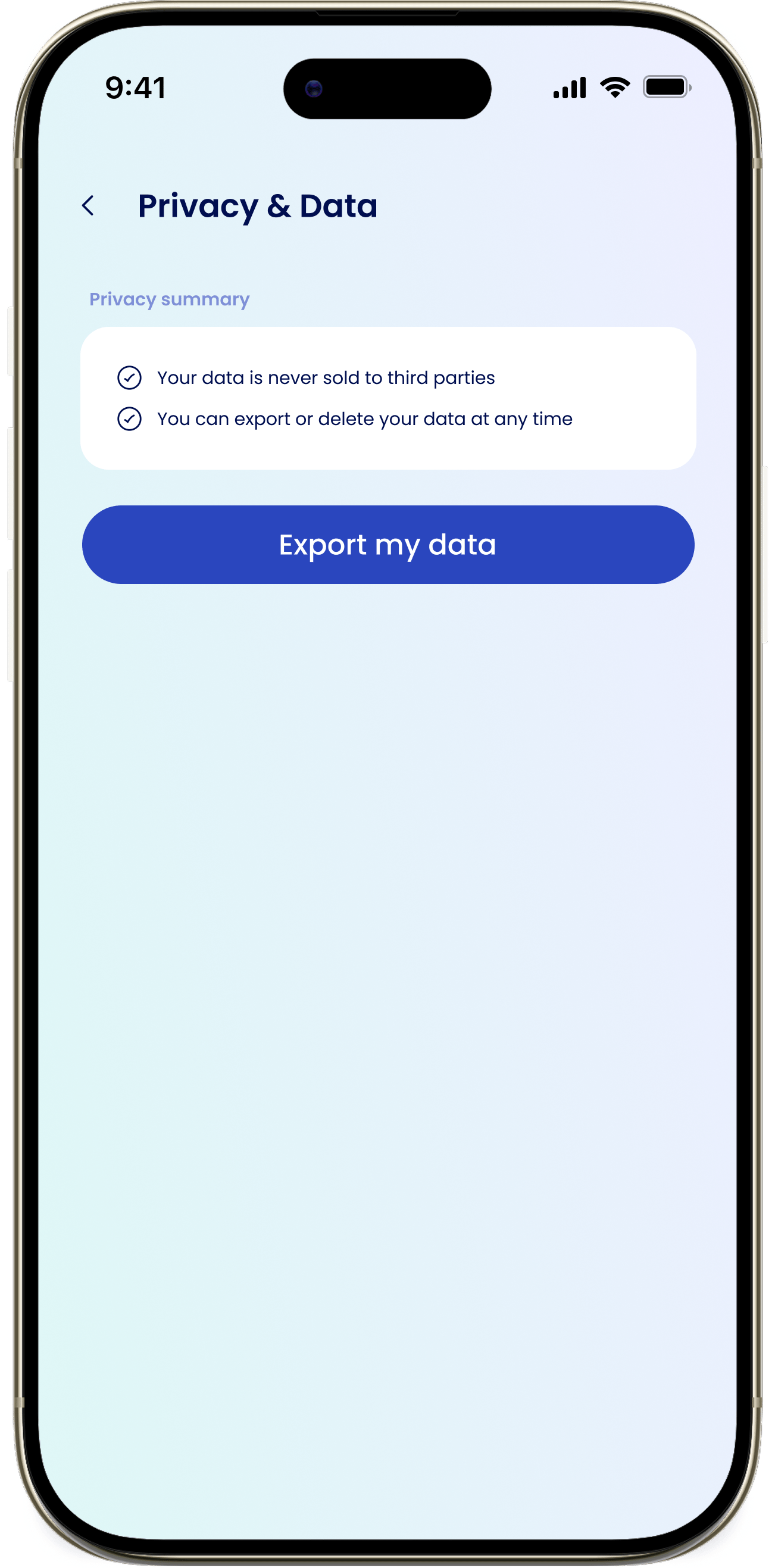
Privacy & Data shows where your data is stored, what eeva promises about it, and how to export it. Find it in Settings → Privacy & Data.
 ## Data residency
The Data Residency section shows where your data is stored. For North America, the data is stored in US-East-1 as the primary region.
## Privacy summary
The Privacy summary lays out eeva's commitments:
* Your data never leaves North America.
* Your data is never sold to third parties.
* You can export or delete your data at any time.
## Export your data
You can export your household data as an Excel file at any time.
Tap your profile avatar on the Dashboard to open Settings, then tap Privacy & Data under Privacy.
Tap Export my data to open the export sheet.
eeva emails a download link to your account email: "A download link will be sent to your email. Links expire in 24 hours."
Open the email and download your Excel (.xlsx) file. The link expires after 24 hours.
The download link expires 24 hours after it's sent. If yours has lapsed, run the export again to get a fresh link.
## I didn't get the export email
The link goes to your account email. Check your spam folder, and confirm your email on the Profile screen. Then run Export my data again.
## How do I delete my data instead?
You can permanently delete your account and its data from Settings → Delete Account. See [Delete your account](/07-account-settings/delete-your-account) — export first if you want a copy.
This documentation is built and hosted on [Mintlify](https://mintlify.com), a developer documentation platform.
## Data residency
The Data Residency section shows where your data is stored. For North America, the data is stored in US-East-1 as the primary region.
## Privacy summary
The Privacy summary lays out eeva's commitments:
* Your data never leaves North America.
* Your data is never sold to third parties.
* You can export or delete your data at any time.
## Export your data
You can export your household data as an Excel file at any time.
Tap your profile avatar on the Dashboard to open Settings, then tap Privacy & Data under Privacy.
Tap Export my data to open the export sheet.
eeva emails a download link to your account email: "A download link will be sent to your email. Links expire in 24 hours."
Open the email and download your Excel (.xlsx) file. The link expires after 24 hours.
The download link expires 24 hours after it's sent. If yours has lapsed, run the export again to get a fresh link.
## I didn't get the export email
The link goes to your account email. Check your spam folder, and confirm your email on the Profile screen. Then run Export my data again.
## How do I delete my data instead?
You can permanently delete your account and its data from Settings → Delete Account. See [Delete your account](/07-account-settings/delete-your-account) — export first if you want a copy.
This documentation is built and hosted on [Mintlify](https://mintlify.com), a developer documentation platform.