eeva is your home’s memory. It keeps track of your appliances, their warranties, receipts, manuals, and safety recalls — plus insurance policies, documents, maintenance, repairs, and the recurring tasks that keep a household running. When something breaks or a warranty is about to lapse, eeva tells you before it becomes a problem. And you can ask eeva anything about your home in plain language. Everyone in your household shares the same home, so appliances you add and repairs you log are there for every member.

Screenshot to be added

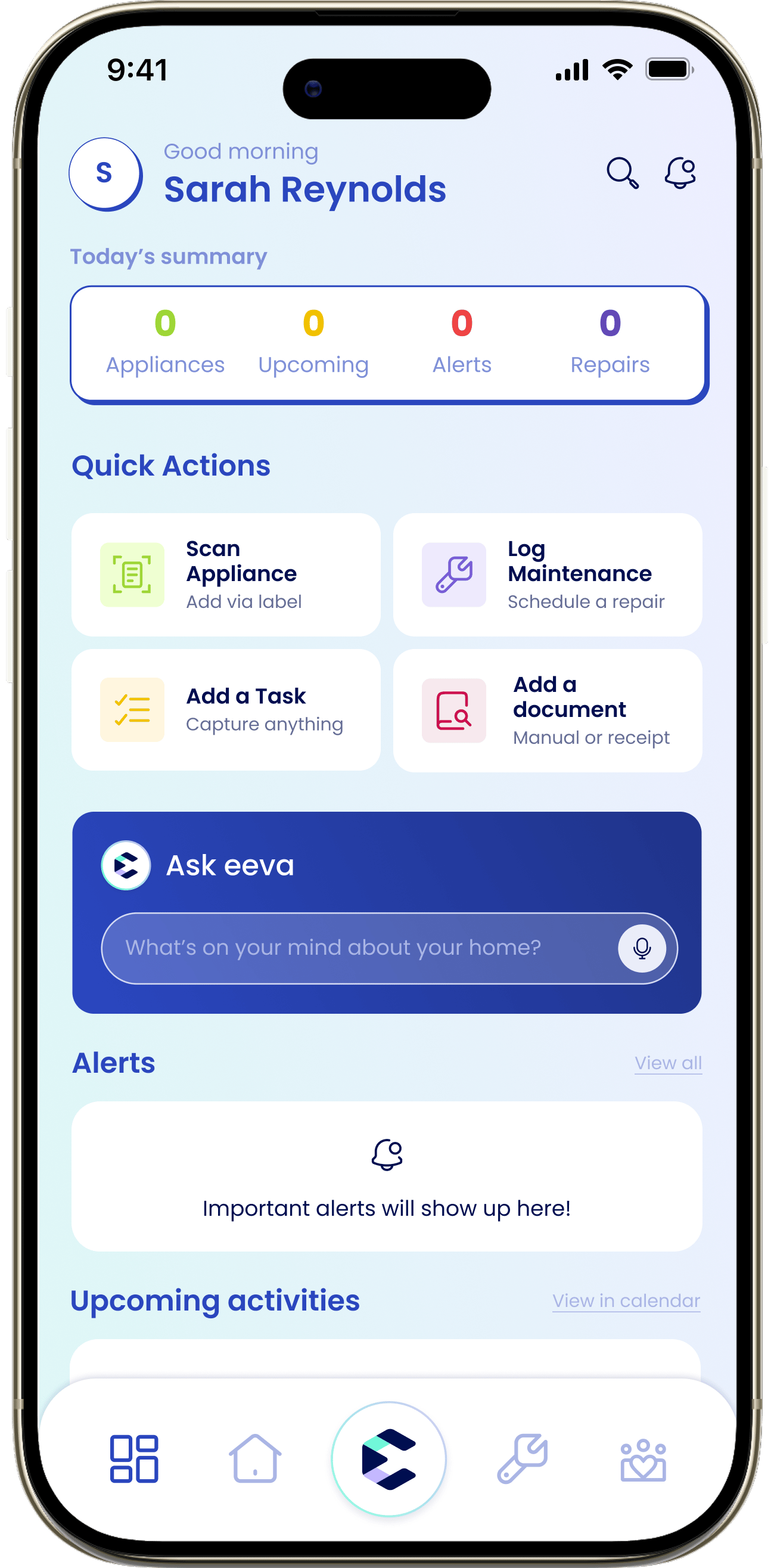
dashboard-first-open.png — The Dashboard on first open, with the bottom tab bar visible so all five tabs (Dashboard, Home, Ask eeva, Maintenance, Household) are shown.

The five tabs

eeva is organized around five tabs along the bottom of the screen.

Dashboard

Your daily view — today’s summary, alerts, upcoming activities, and quick actions.

Home

Everything about your house: appliances, insurance, documents, and providers.

Ask eeva

The AI assistant. Ask about your home, brain-dump, or start a repair by chatting.

Maintenance

Log upkeep, schedule repairs, and track everything you’ve serviced.

Household

Recurring tasks, subscriptions you pay for, and the people in your home.

Where to start

If you’re brand new, the fastest way to see what eeva can do is to add your first appliance — eeva pulls in the manual, warranty window, and recall status automatically.

Set up your home

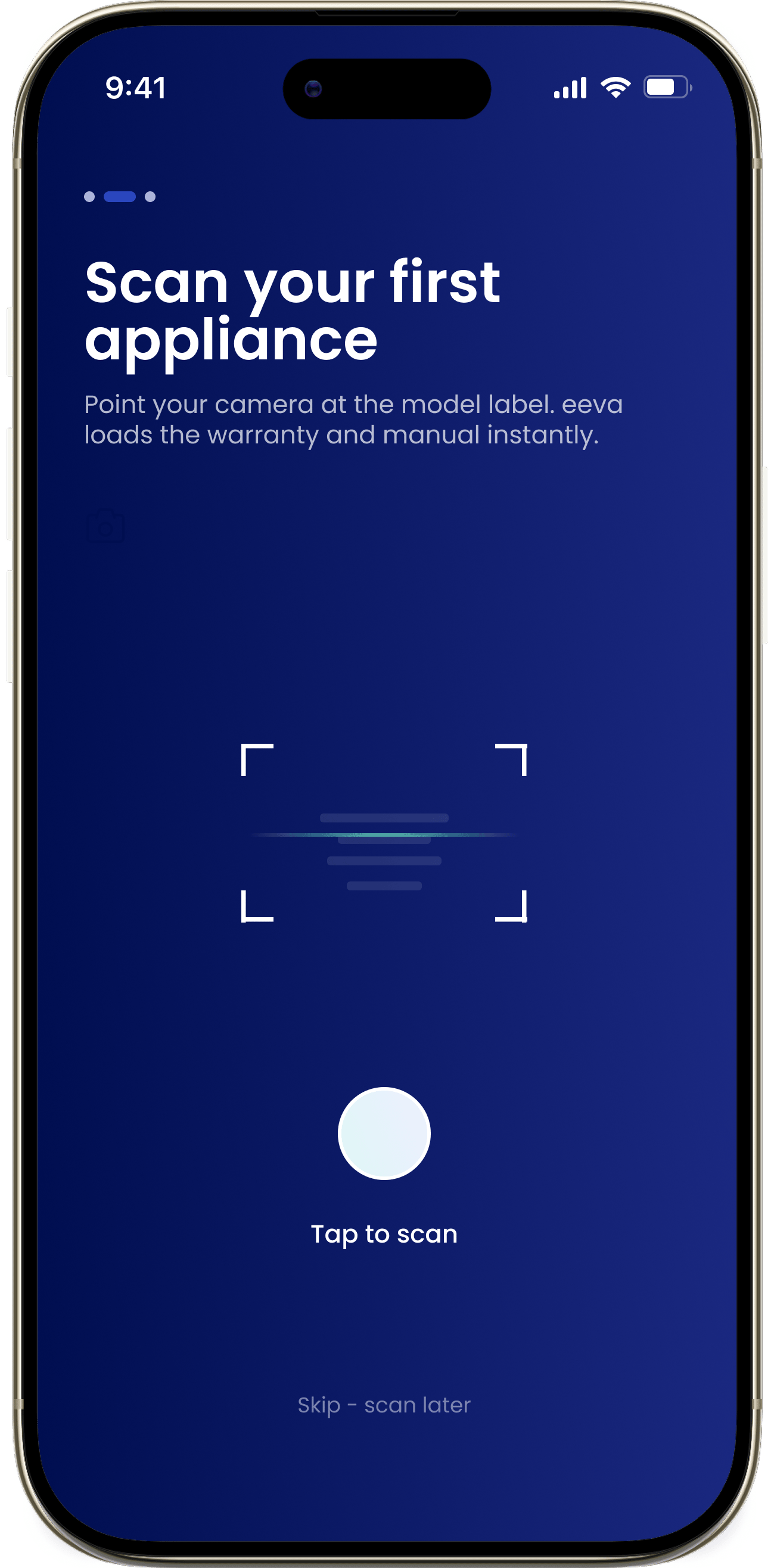
Add your first appliance by scanning its label. Takes about a minute.

Your data

eeva stores your household data securely, and you can export or delete it at any time from Settings → Privacy & Data. See Privacy & data.