

1
Open the appliance
From the House tab, open the appliance under “Appliances”.
2
Go to Warranty status
In the “Warranty status” section, tap “Register warranty” (or ”+ Add”).
3
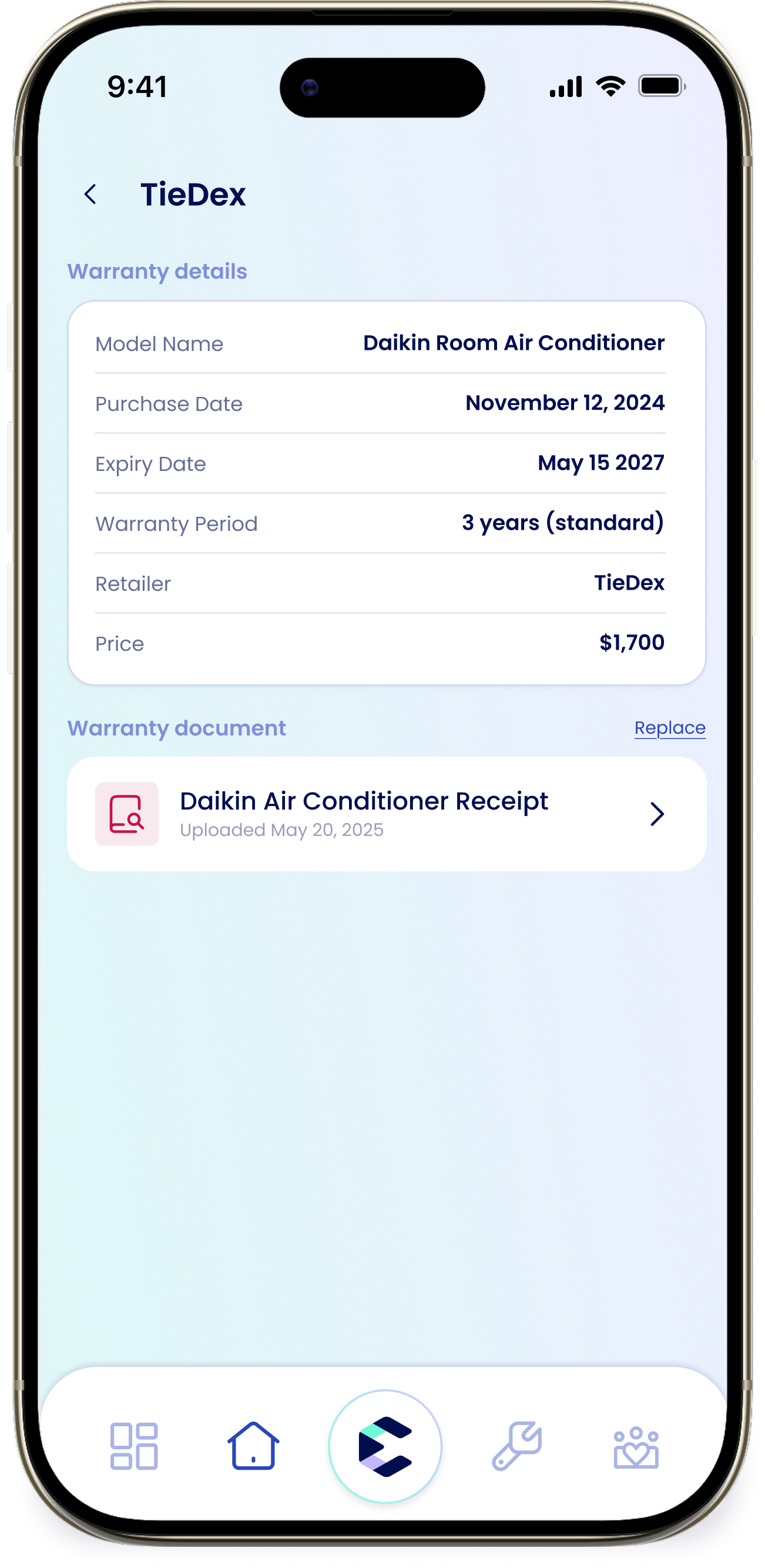
Fill in the details
Enter the “Purchase Date” and “Expiry Date”. eeva calculates the “Warranty Period” for you and then you can add the “Retailer” and “Price”.
4
Save
Tap “Save”. eeva needs the purchase date, expiry date, retailer, and price before it can save.
Warranty statuses
Warranty Remaining
Coverage is current; the appliance shows how much time is left.
Expiring Soon
The expiry date is near; this is when eeva sends its 30-day reminder.
Expired
Coverage has ended.
Not registered yet
No warranty has been added for this appliance. Tap “Register warranty” to add one — you’ll need a purchase date, since eeva can’t track a warranty or set the expiry reminder without one.