

1
Open Settings
On the Dashboard, tap your profile avatar in the top corner to open Settings.
2
Open Household Access
Tap Household Access.
3
Send an invite
Add the person you want to invite and send it. They’ll get an invitation to join your home.
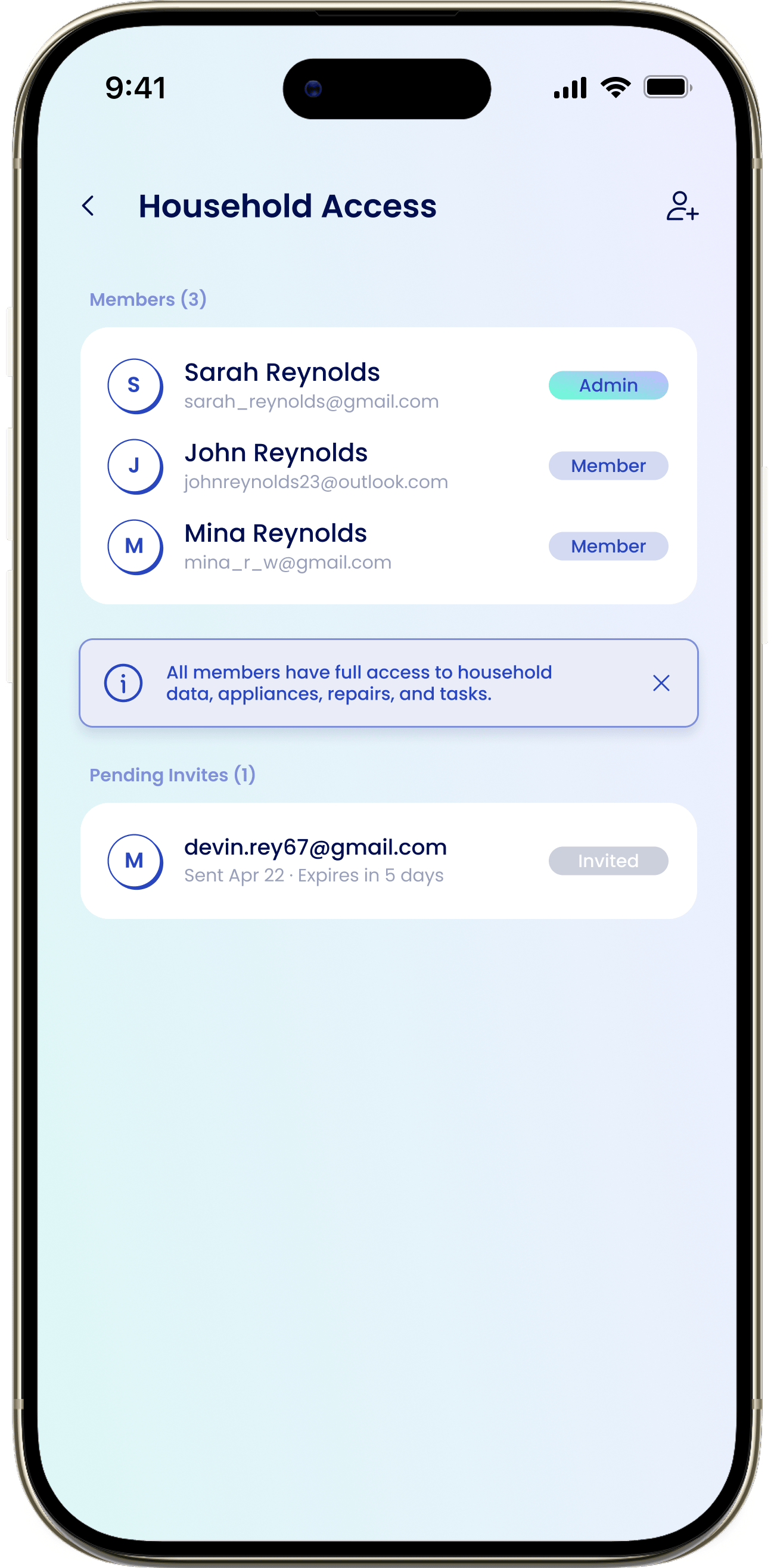
Manage your household
Roles, pending invitations, and removing members are all covered in the full guide below.Household Access
Manage members, resend or cancel pending invites, and remove people from your home.