

What syncs
The sync is one-way: eeva adds its scheduled items to your calendar, and it doesn’t pull events back in from your calendar. Three kinds of items sync automatically:- Repair visits you schedule.
- Scheduled maintenance — recurring or planned upkeep.
- Warranty expiry dates.
- Household tasks that are due.
Connect a calendar
1
Open Settings
On the Dashboard, tap your profile avatar to open Settings.
2
Open Integrations
Tap Integrations.
3
Choose your calendar
Pick Google Calendar, Apple Calendar, or Outlook Calendar.
4
Sign in
For Google or Outlook, a sign-in web sheet opens — sign in and grant access. For Apple, see the note below.
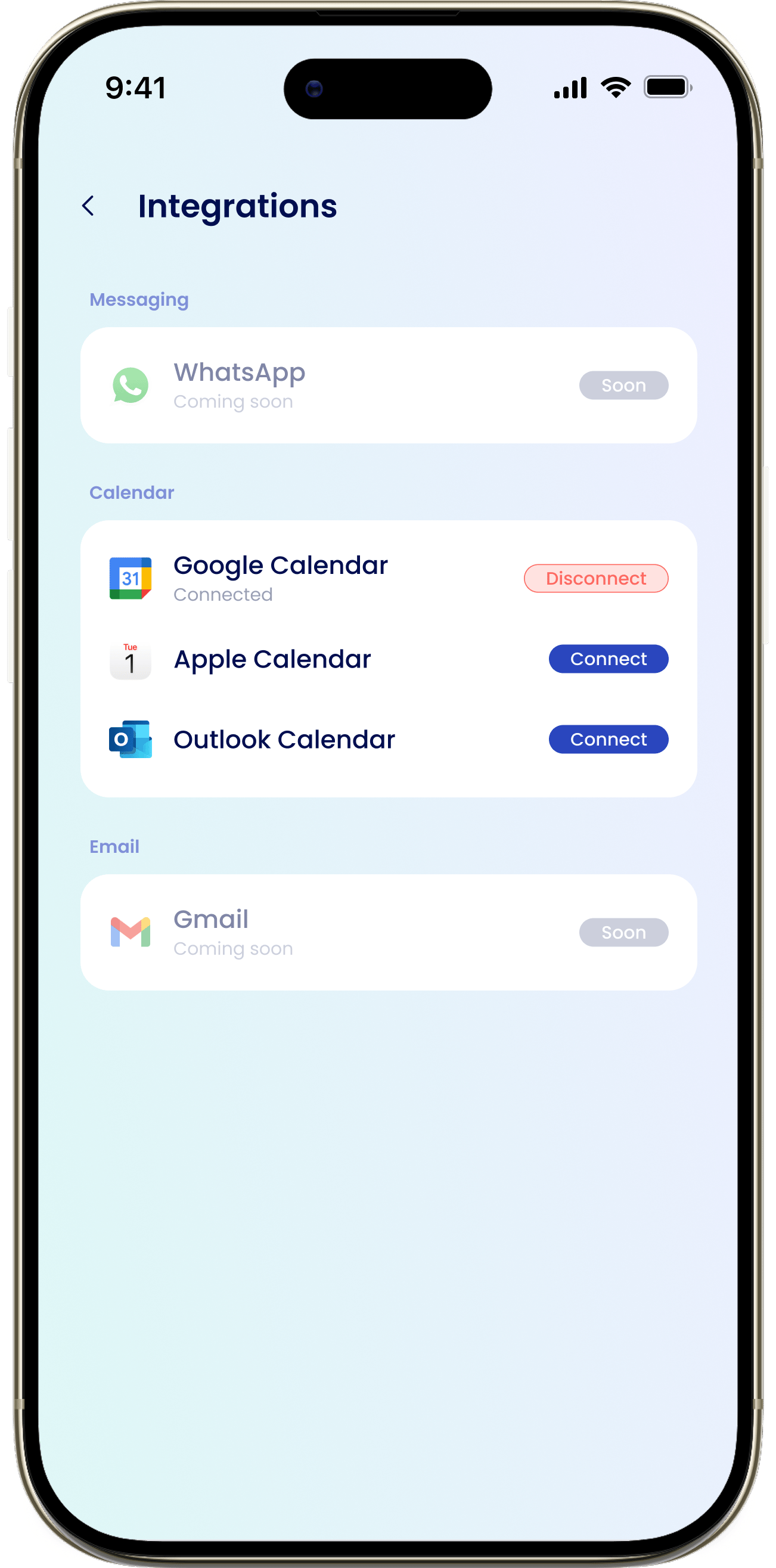
You can only connect one calendar at a time. Connecting a new calendar disconnects the one you had connected before.