

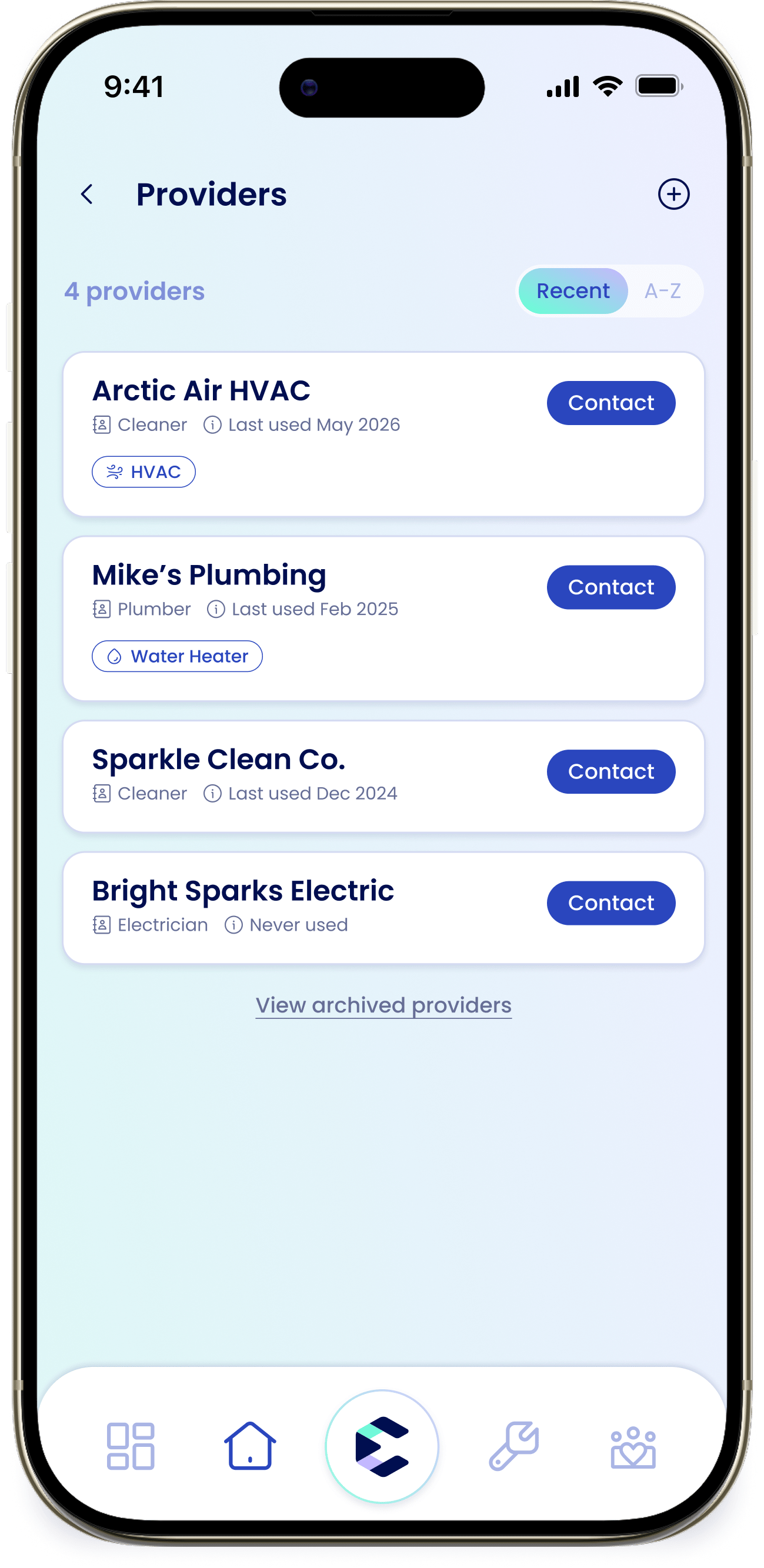
How providers get added
Providers are added automatically when you log a repair with them, so your list builds itself as you use eeva. You can also add one by hand anytime. If your list is empty, you’ll see “No providers yet”.Add a provider
1
Start a new provider
From the Home tab, tap the “Providers” card, then tap + to open “Add Provider”.
2
Fill in the details
Enter the “Name”, choose a “Role” from the searchable list (pick “Other” to type your own), and add a “Phone”. “Email” is optional.
3
Link appliances (optional)
Under “Linked appliances”, tap “Select appliance(s)” to link one or more appliances, or create a custom appliance.
4
Continue
Tap “Continue” to save the provider.
Link providers to appliances
Providers can be linked to appliances so you know who services what. From an appliance, use “Choose providers” to link one; from a provider, use “Linked appliances”. Either way, the connection shows on both.Contact a provider
Each provider row has a “Contact” button. Tap it to Call, Text, or Email them without digging up their number.Archive or delete
Archiving is reversible — it hides a provider you don’t use right now but keeps their history, and you can restore them later. Deleting is permanent and removes the provider’s service history.Managing providers as part of repairs and maintenance is covered in Maintenance.