

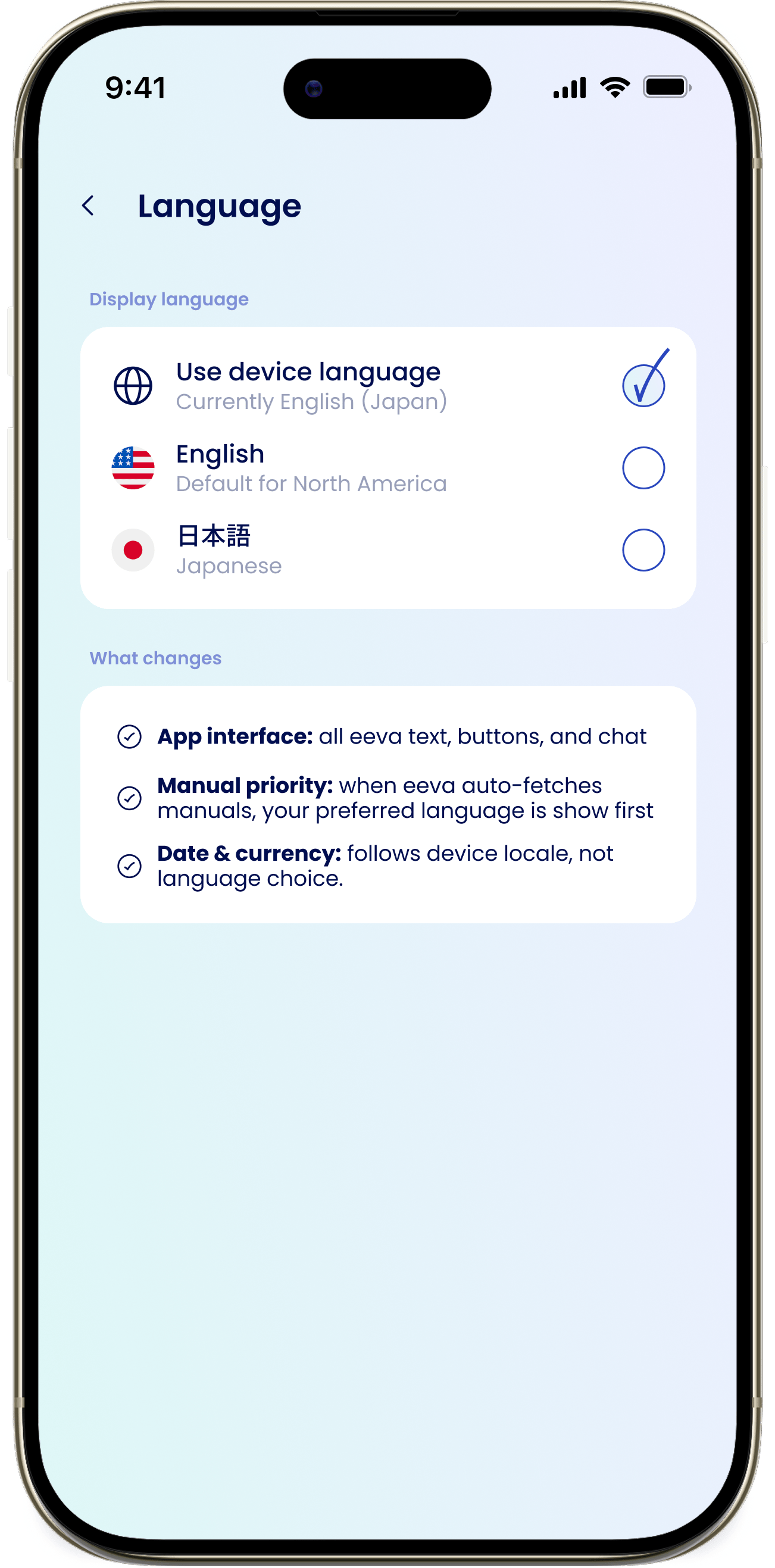
Choose a display language
Under Display language, pick one:- Use device language — follow your iPhone’s language setting.
- English — “Default for North America”.
- 日本語 — Japanese.
What changes
The “What changes” section explains the effect:App interface
All eeva text, buttons, and chat use your chosen language.
Manual priority
Auto-fetched manuals show your preferred language first.
Date & currency
Follows your device locale, not your language choice.
Dates and currency always follow your device’s locale. Changing the display language won’t change how dates or prices are formatted.