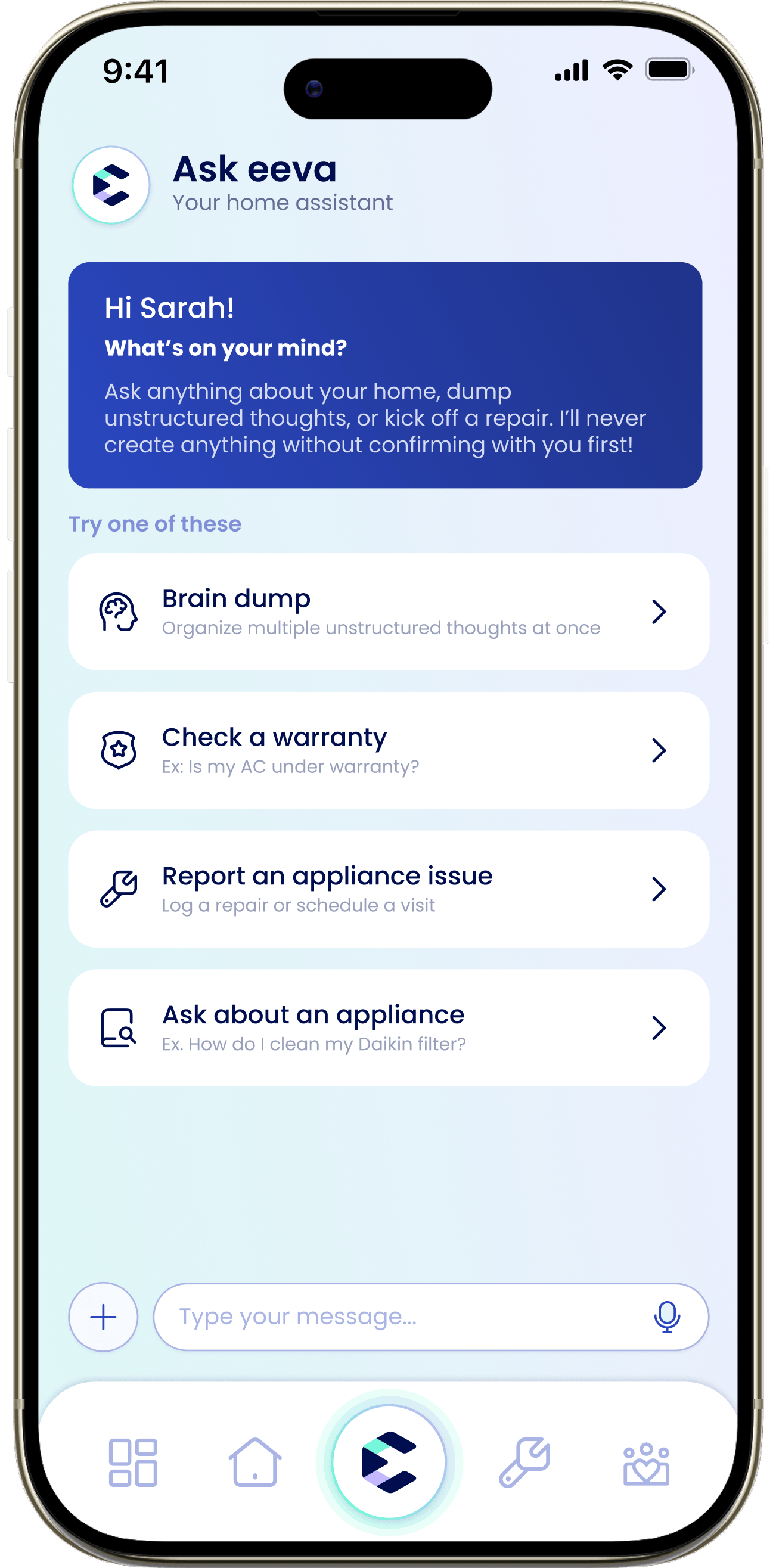
Chat with eeva about your home! Ask questions, braindump, or start a repair, and confirm anything before it’s saved.
eeva chat is your home assistant. Ask about your appliances and warranties, dump a pile of thoughts and let eeva sort them, or kick off a repair. eeva never creates or changes anything without showing you the details and asking first. It’s the tab in the centre of the bottom navigation bar.
Tap the center eeva chat tab. The header reads “Ask eeva” / “Your home assistant”, and a welcome card greets you. Type in the chat bar (placeholder “Type your message…”) or tap a suggestion.The status line shows “Online” or “Offline · Check your connection” if you’ve lost network.
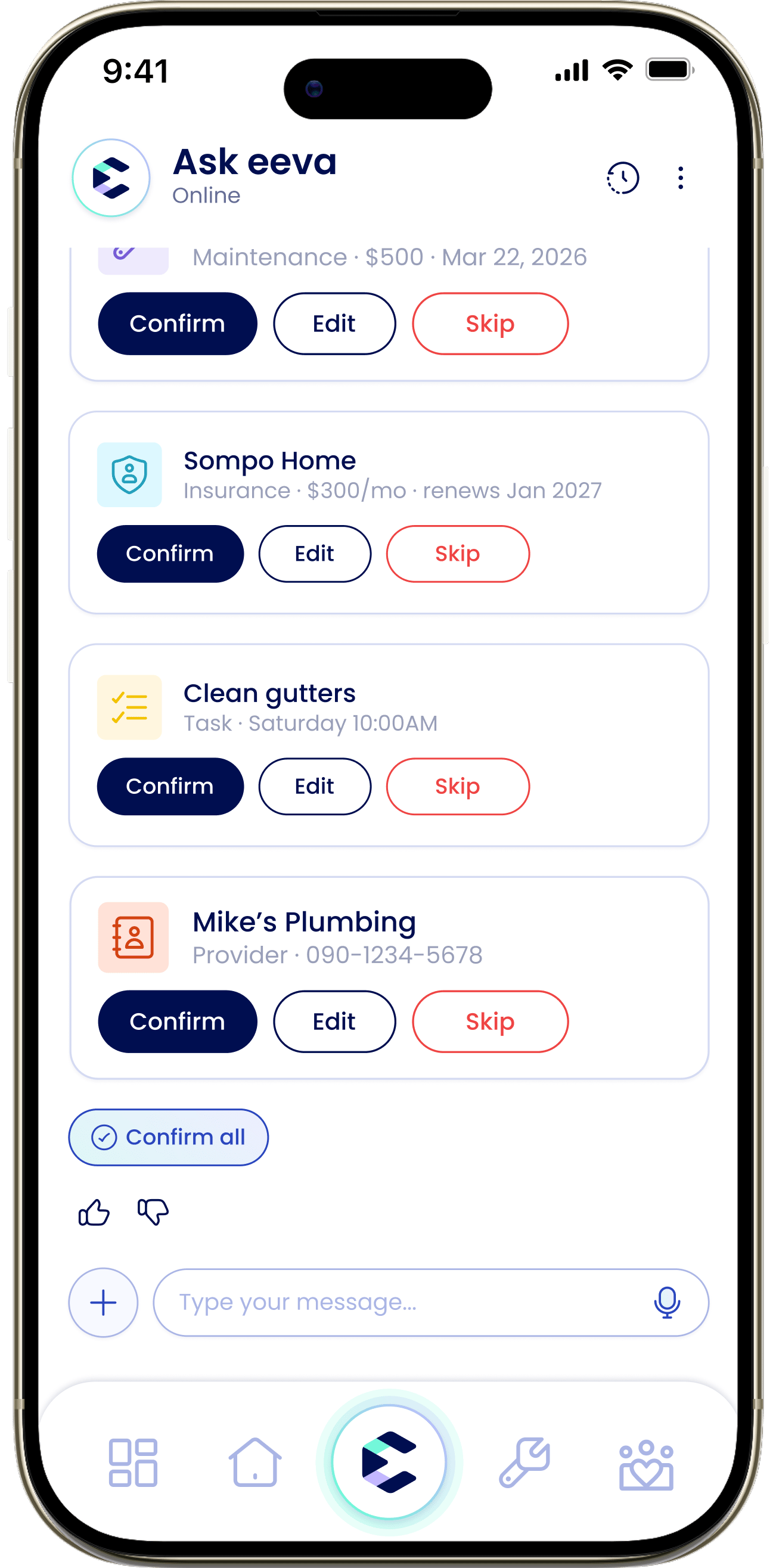
This is the core promise: eeva never saves a record without your say-so. When eeva wants to add a repair, maintenance entry, task, appliance, or warranty, it shows an action card with the details and three buttons:
Confirm
Saves it. You’ll then see “Added” and an “Open” button to jump to it.
Your chat is private to you. Other household members can’t see your conversation.Anything you confirm into a record—an appliance, repair, task, warranty, and so on—becomes part of your shared household data, so everyone in the household sees the record even though they don’t see the chat.
Chat conversations aren’t kept as a permanent transcript; the records you create are what persist.
Have several things on your mind? Speak or type them all at once and eeva will organize them into tasks and records within confirmation cards, so you review them one by one before saving them. You can braindump by voice, too. See Voice input.
When eeva answers a question about one of your appliances, it backs the answer with source citations in tappable chips,like “Bosch Manual · pg. 12”. Tap one to open the exact manual page the answer came from, so you can check the source yourself.
Every answer has a thumbs up and thumbs down. Tapping thumbs down opens “What went wrong?” so you can tell eeva how the answer missed. You can also long-press any message to Copy, Retry, or Report it.
Open the ⋮ menu, choose “Chat settings”, then “Clear the chat”. eeva confirms: “Clear the chat? Repairs, warranties, and recalls you’ve confirmed will stay in your records. The chat itself can’t be recovered.”
Clearing removes the conversation for good and it can’t be recovered. Anything you already confirmed (repairs, warranties, recalls) stays safe in your records.
The ⋮ menu also has “Get help with the chat feature”.