

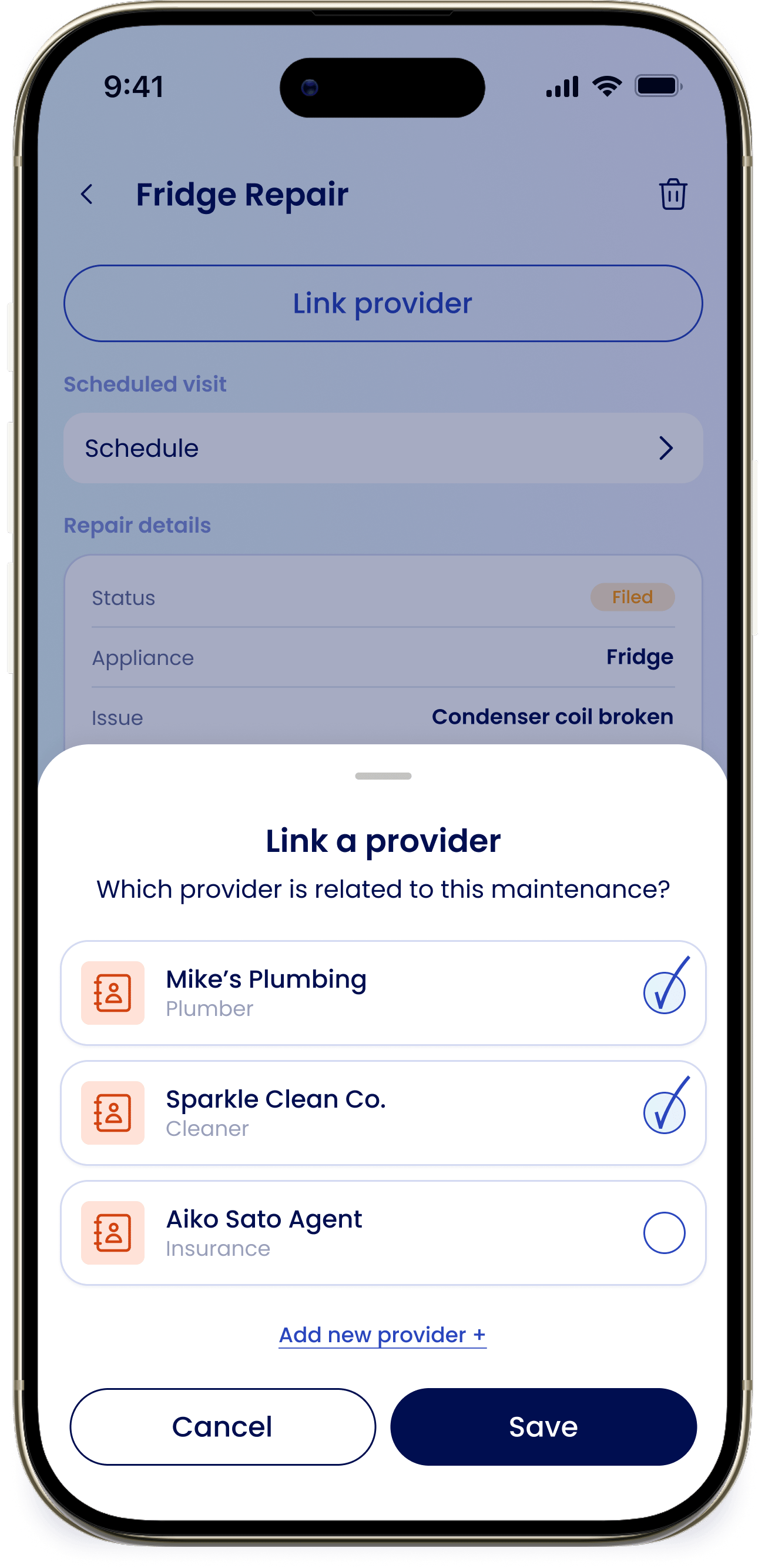
Link a provider
From a maintenance item or a repair, tap Link a provider and answer “Which provider is related to this maintenance?” to attach the right one. Once linked, the provider shows in the Providers section of that item so you always know who’s handling it.Log or book service
Open a Provider Detail to act on it directly:Log service
Starts eeva’s repair triage for that provider. See How repair triage works.
Contact
Opens Call, Text, or Email, along with a Book service option.
Learn more
Providers
Add providers, edit their details, and see everything they’ve serviced.