Alerts
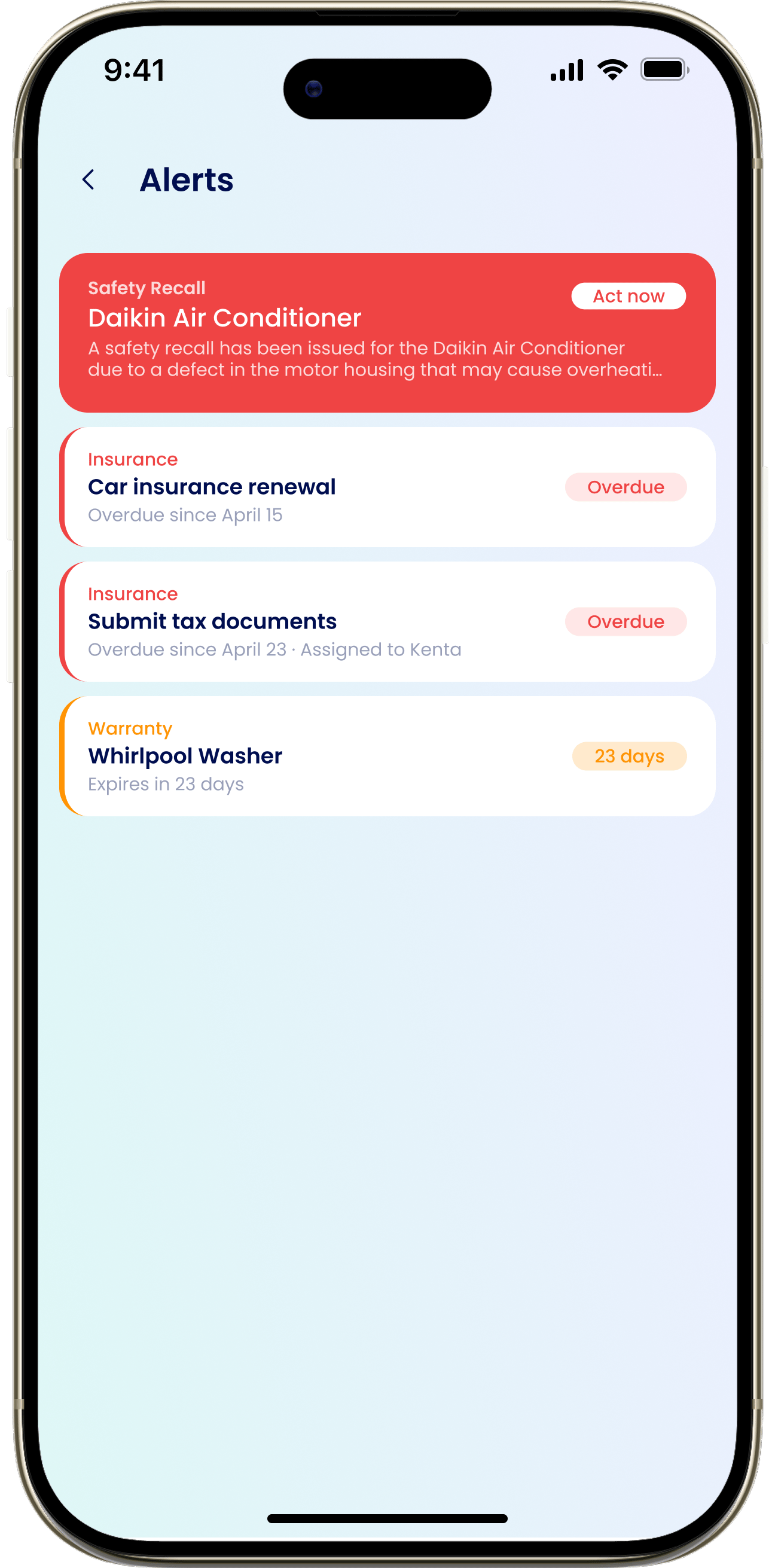
Open the Alerts list from the Alerts section on the Dashboard. Each alert is tied to an appliance, and there are three types:Safety Recall
Shown in red and marked “Act now”. Your appliance has an open safety recall.
In Repair
An appliance currently being serviced.
Warranty Expiring
A warranty ending soon, showing “Overdue” or the number of days left (for example “14 days”).
Alerts vs. notifications
These two look similar but do different jobs:- Alerts live on your Dashboard and Home. They reflect your household’s current state and stay put until the situation is resolved or you dismiss them.
- The bell (Notifications) is a log of messages eeva has already sent you. Each one fired once, at a moment in time. See Notification history.
- “Recently from eeva” shows what eeva did on its own — like fetching a manual or catching a recall.
Your notification preferences control whether and how eeva sends you a message — they don’t hide the Alerts feed. To clear an alert, dismiss it or resolve what caused it.
Dismissing an alert applies to your whole household — if one member dismisses it, it’s hidden for everyone. If the underlying situation changes later, the alert can come back.
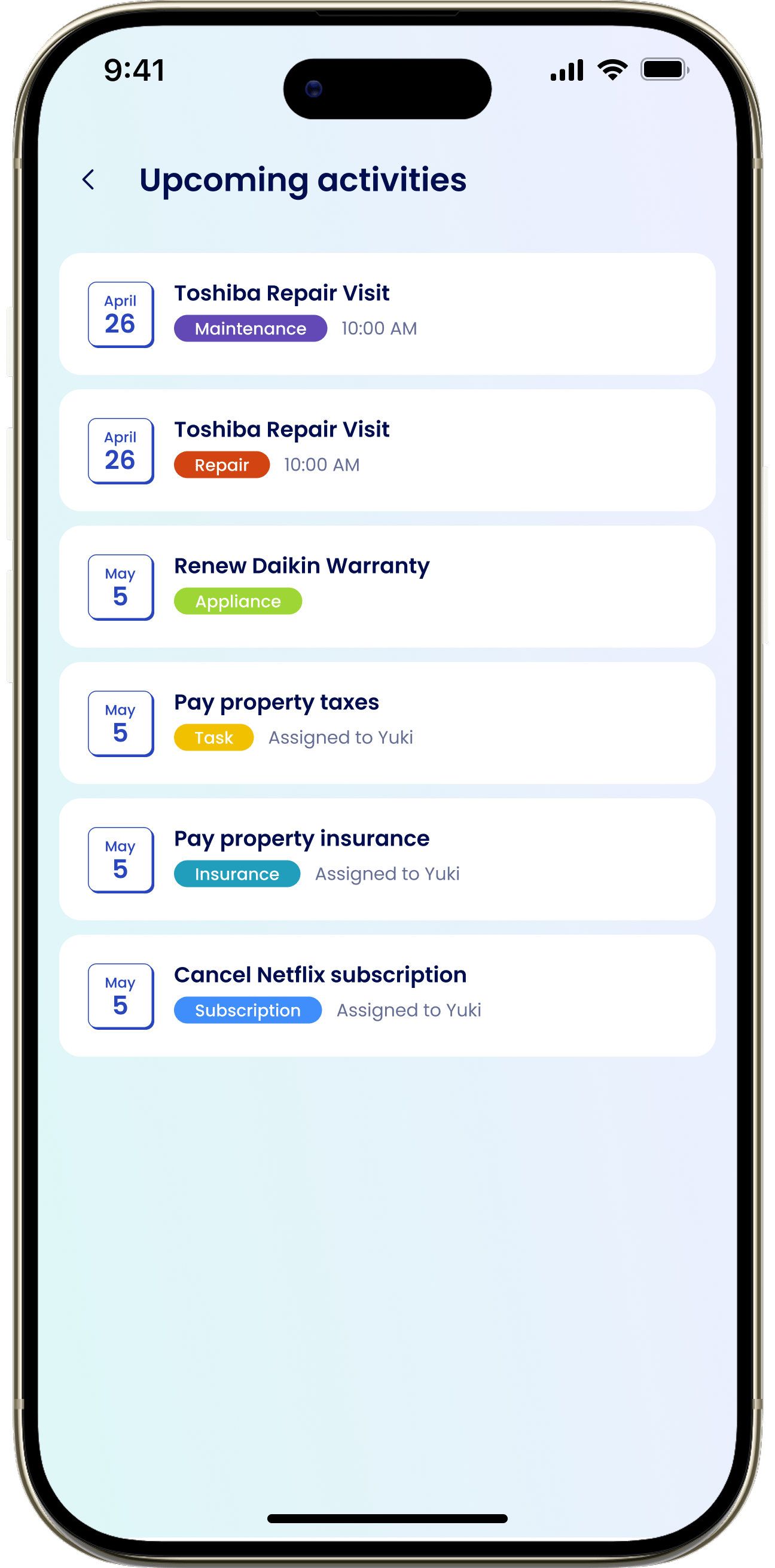
Upcoming activities
The Upcoming activities list gathers what’s coming up across your home: tasks, maintenance, repairs, and warranty items. Tap any item to open it and see the full detail.