

Data residency
The Data Residency section shows where your data is stored. For North America, the data is stored in US-East-1 as the primary region.Privacy summary
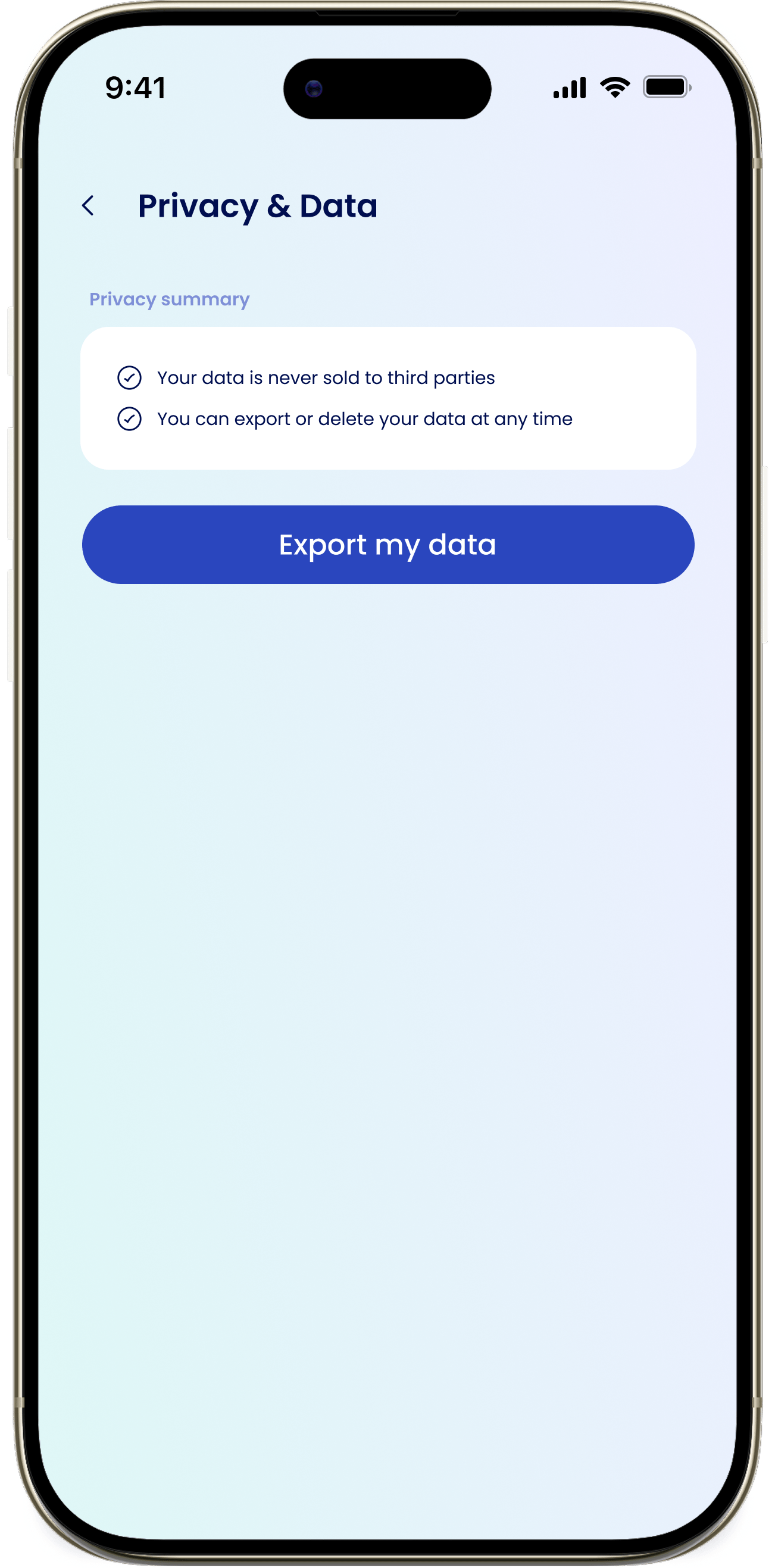
The Privacy summary lays out eeva’s commitments:- Your data never leaves North America.
- Your data is never sold to third parties.
- You can export or delete your data at any time.
Export your data
You can export your household data as an Excel file at any time.1
Open Privacy & Data
Tap your profile avatar on the Dashboard to open Settings, then tap Privacy & Data under Privacy.
2
Tap Export my data
Tap Export my data to open the export sheet.
3
Confirm the export
eeva emails a download link to your account email: “A download link will be sent to your email. Links expire in 24 hours.”
4
Download within 24 hours
Open the email and download your Excel (.xlsx) file. The link expires after 24 hours.