The five tabs
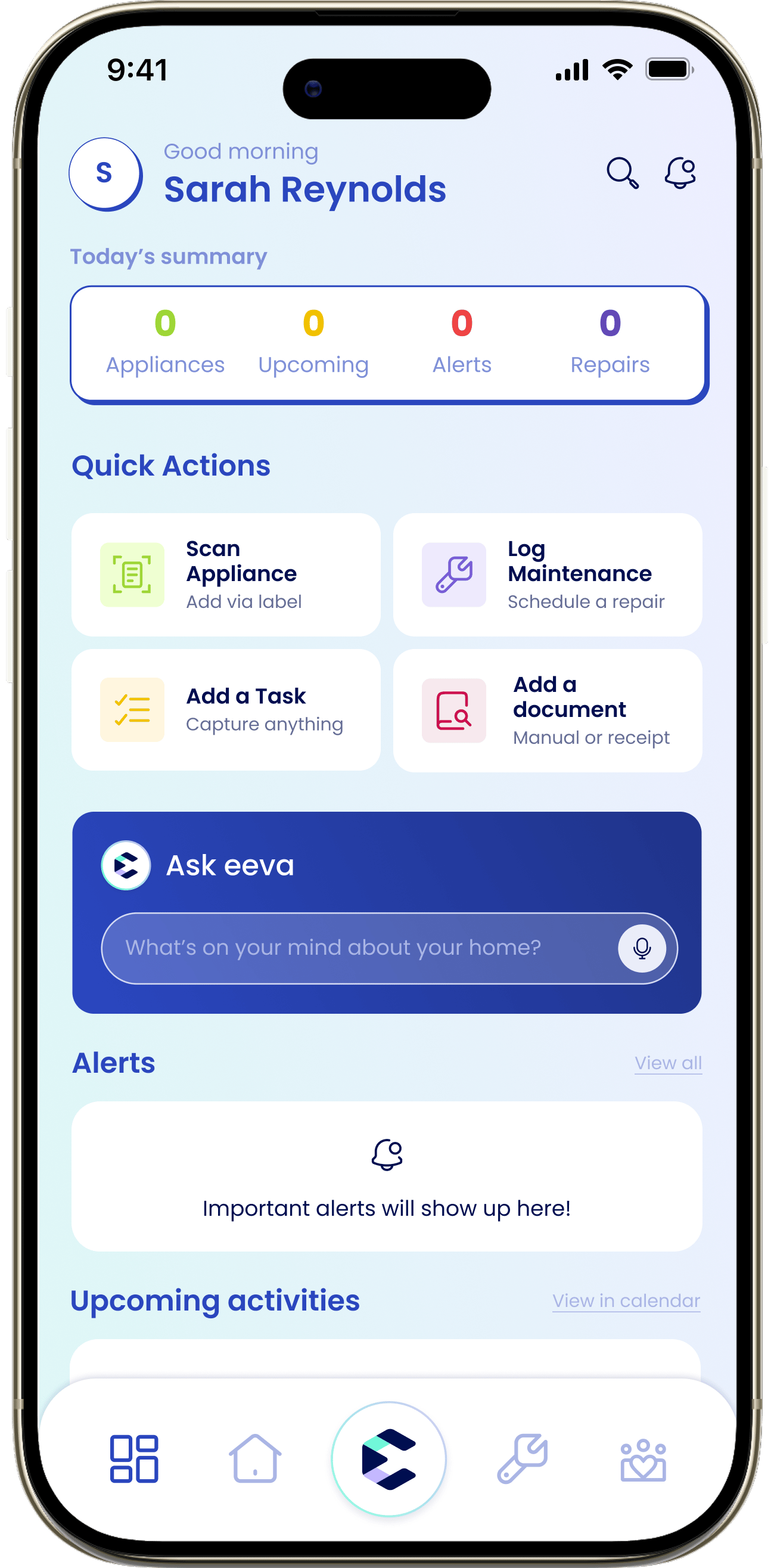
eeva is organized around five tabs along the bottom of the screen.Dashboard
Your daily view: today’s summary, alerts, upcoming activities, and quick actions.
House
Everything about your house: appliances, insurance, documents, and providers.
Ask eeva
Ask about your home, turn a braindump into tasks, or start a repair by chatting.
Maintenance
Log upkeep, schedule repairs, and track everything you’ve serviced.
Household
Recurring tasks, subscriptions you pay for, and the people in your home.
Where to start
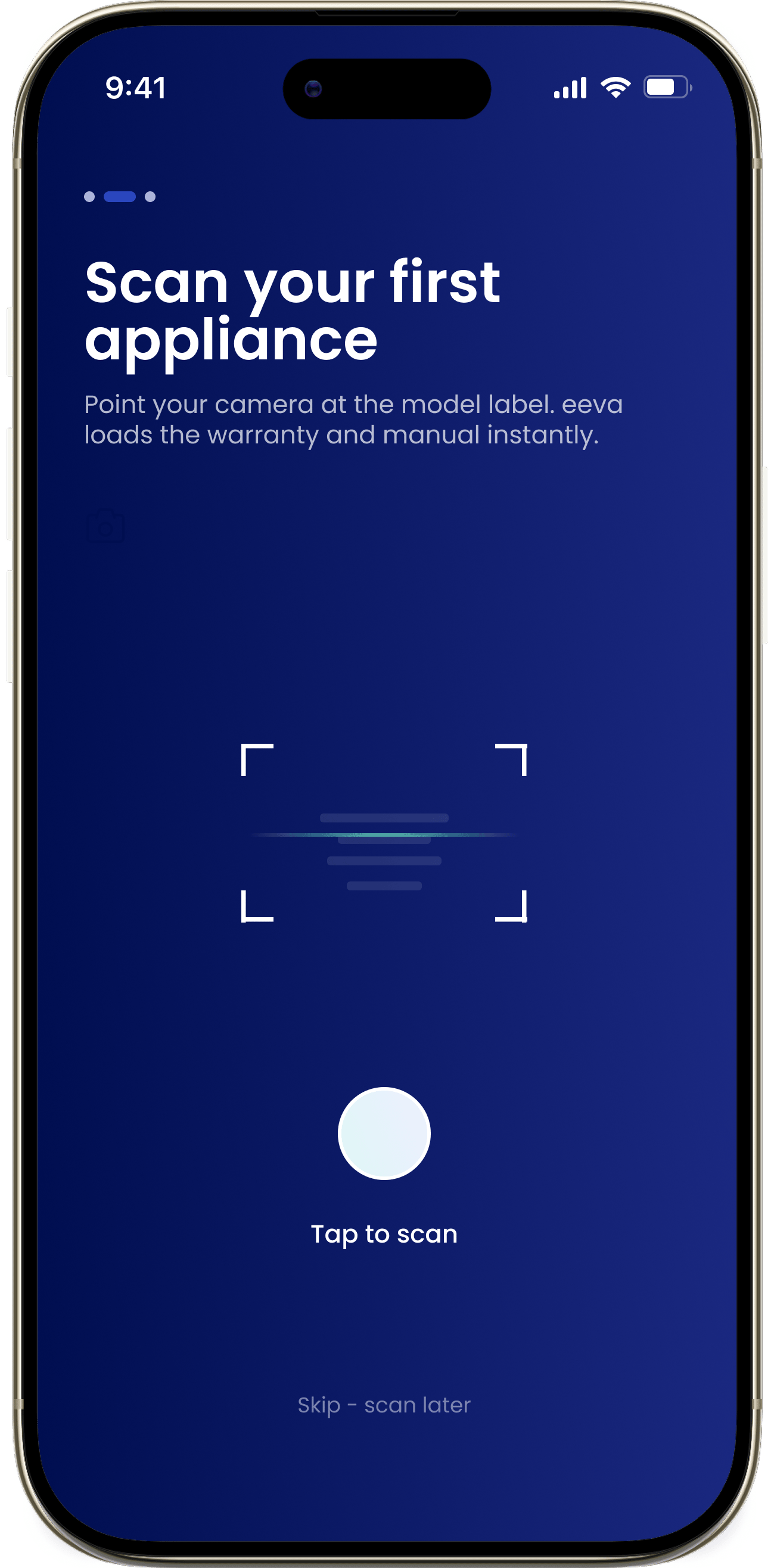
If you’re brand new, the fastest way to see what eeva can do is to add your first appliance. eeva pulls in the maintenance schedule, manual, warranty window, and recall status automatically.Set up your home
Add your first appliance by scanning its label. Takes about a minute!